
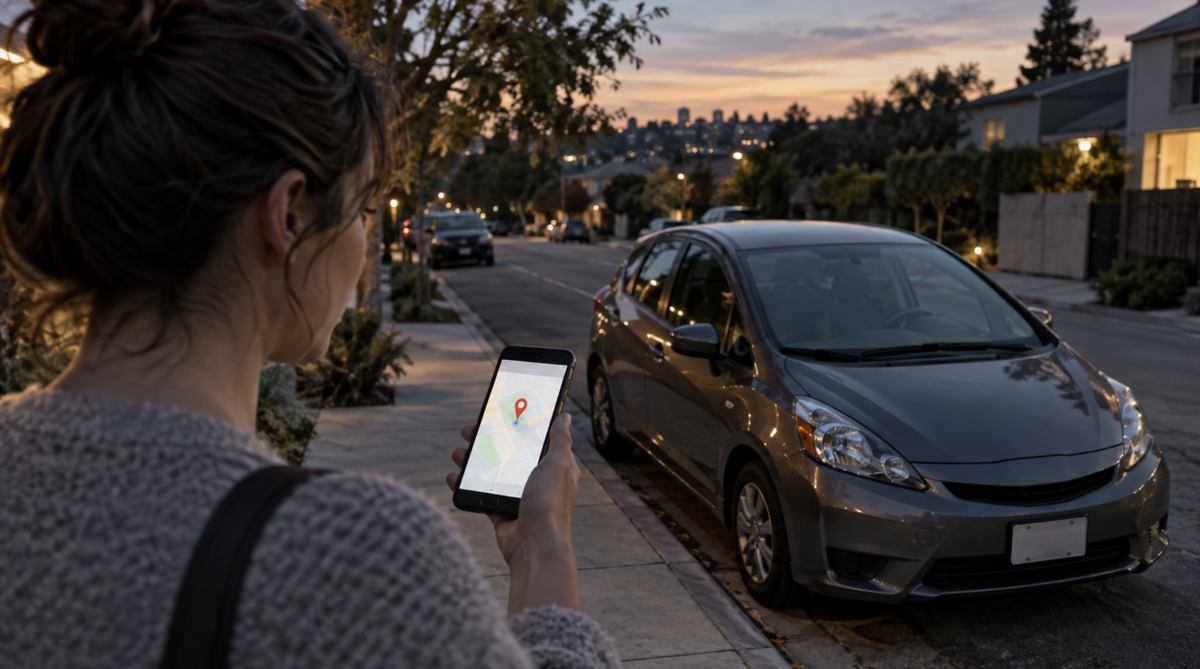
See Where Your Car Is, Even When You’re Not There
Most people only think about the car when it’s parked out front or sitting in a work lot. Then it isn’t, and the first question is simple: where did it go?
A GPS tracker answers that. It sits in or on the vehicle, talks to satellites, and shows the location on your phone. That’s the whole point less guessing if the car was moved, borrowed, or stolen.

Quick version
- You can see the car’s location while it’s moving or parked
- Alerts and history help if someone takes it without asking
- Fleet owners use the same tools to cut wasted trips and fuel
- Geo-fences, speed alerts, and trip logs add control without standing next to the car
- The “right” tracker depends on power source, app quality, and whether you want to pay a monthly fee
What a GPS tracker actually is
A vehicle GPS tracker is a small box or puck that figures out where the car is and sends that data to an app or website. Satellites give it a position. A cellular connection (or sometimes radio) sends the update to you.
A lot of units also let you draw a virtual fence around home, the office, or a job site. Cross that line and you get a notification. That’s useful for a teen driver, a work van, or a car that should stay in one neighborhood overnight.
Trip history is the other half. You can look back at routes, stop times, and odd detours. Some units are small enough to hide under a seat or in a storage bin, which matters if the goal is theft recovery rather than a dashboard gadget.
Why people install them
The obvious reason is theft. If the car leaves the driveway at 2 a.m., live location is more useful than a police report that only has a plate number. Recovery is never guaranteed, but police have a much easier time when they have a moving pin on a map.
Some insurers give a discount when a tracker is fitted. Not all of them, and not always a big one, so ask before you count on it.
For a business with several vans or cars, the payoff is operational. You see who is closest to a job, which routes keep looping the long way, and which vehicle sits idling for half an hour. That shows up in fuel and overtime.
Driving data is blunt: speeding, harsh braking, long idle. It’s uncomfortable for some drivers and useful for the person paying the insurance and tires.

How the location gets to your phone
Satellites broadcast time signals. The tracker measures how long those signals take to arrive and calculates a position. It then pushes that position over the mobile network to a server. You open an app and see the last reported point.
Updates are not always “live to the second.” Cheap units may ping every 30 or 60 seconds, or only when the car moves. Better units update faster and keep a buffer if the signal drops in a garage or under trees.
Extra rules sit on top of that location stream: speed caps, fence entry/exit, movement after a set hour. If you want the technical background on GPS itself, start with a plain explainer of satellite ranging rather than a product page.
What to look for before you buy
Live location that actually updates
If the map freezes for five minutes, it’s late when it matters.
An app you can use in a hurry
Route history, fences, and notifications should be obvious. If the interface needs a manual, you’ll stop opening it.
Power
Hardwired units run off the car and don’t die. Battery units are easier to hide and move between vehicles; some claim months of standby, which only holds if the update rate is low. OBD-II plug-in units sit in the diagnostic port—fast to fit, easier to spot and yank out.
Geo-fencing
One or two fences is a start. Worldwide coverage matters if the car leaves the country or you travel a lot.
Tamper and SOS extras
A notice when the device is unplugged is worth more than another “mode.” Immobilizer features exist on some high-end units; treat those carefully and check local rules before you rely on remotely cutting an engine.
Security in practice
A visible or known tracker won’t stop every thief. It does make a stolen car harder to sit on for days. Fast location updates are what help a recovery, not a sticker on the window.
A fence around “home overnight” is one of the more useful setups. The car moves, your phone buzzes, you check the map. Route history then shows whether it was a family member, a tow, or something else.
Immobilization sounds tidy and can go wrong in traffic. If a product offers it, read how it works and when it should not be used.

Main hardware types
- OBD-II plug-in: minutes to install, easy to remove, good for short-term or rental-style use
- Hardwired: hidden in the dash or under the carpet, harder to find, better for long-term security
- Battery / magnetic mini: portable, concealable, weaker if you forget to charge it
A small magnetic worldwide tracker is the usual pick when you want something you can move between a car, a trailer, or a second vehicle without drilling.
If you run more than one vehicle
Fleet software is the same idea at a larger scale: map of every unit, route suggestions, maintenance reminders, driver scores, and exportable reports. The value is in dispatch and cost control, not in owning a tracker for its own sake. Maintenance alerts only help if someone actually books the service.
Picking one without overpaying
Write down the job first: theft recovery, teen driver, or fleet routes. Then choose live vs stored-only tracking. Then installation. Then the bill device price plus any SIM or app subscription.
Read recent owner comments about delayed pings, dead batteries, and support that stops answering. Spec sheets rarely mention those.
A compact magnetic model with worldwide coverage is a reasonable default if you want simple personal tracking without a full fleet platform. Check the subscription before you assume the map stays free.